People should get your consent before recording you. Period.
norecording.ai puts your refusal in your camera feed and saves a record on your Mac. If someone records you anyway, you have receipts showing when the app displayed your notice.
There is no public download yet. I am preparing the first release for GitHub. The App Store will come later.
Free and open source. macOS 14 or later on Apple silicon. Download checksum.
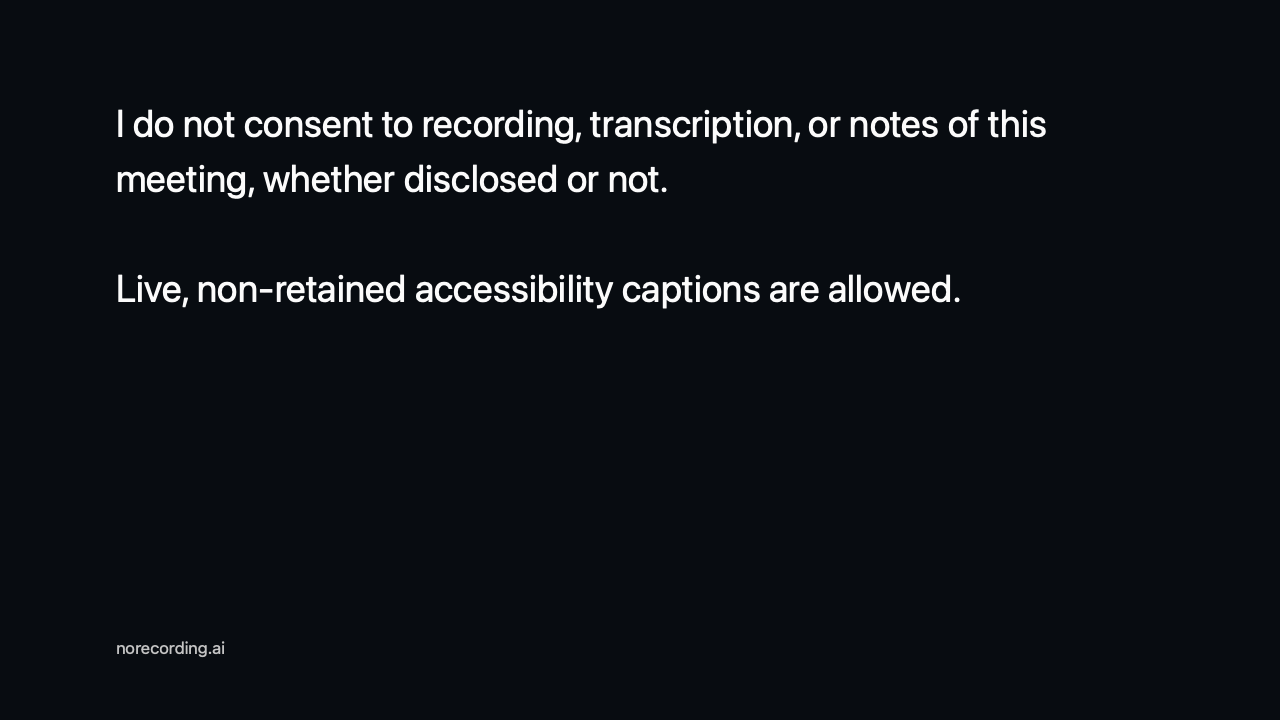
Say you do not consent.
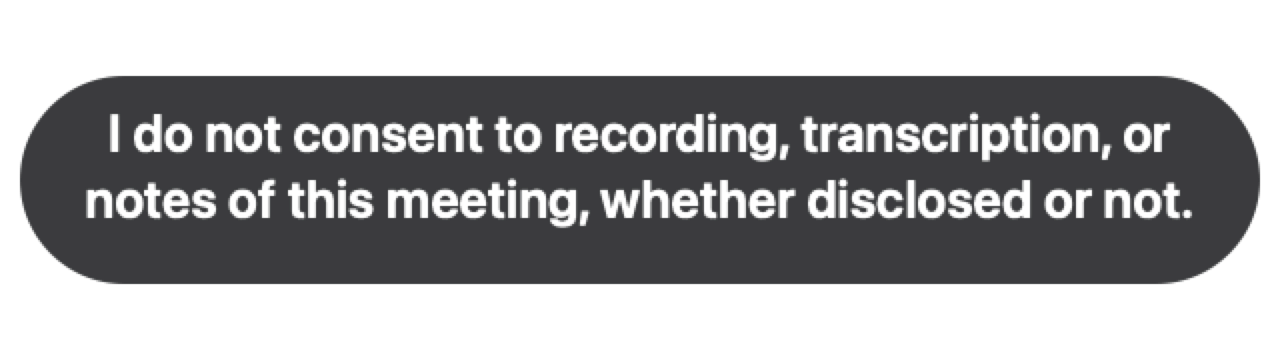
Select norecording.ai Camera in Zoom or Google Meet. The app shows your notice when you join, then returns to your camera with a badge that repeats your message.
You control the wording and timing. If the app does not detect that you joined, choose I joined from the menu bar. You do not need a meeting bot or browser extension.
Keep receipts.
If your refusal is ignored, you should have a record of it. norecording.ai saves one on your Mac.
- Notice timesWhen the app displayed your notice and badge.
- Meeting detailsAvailable participant names and counts, if you allow Accessibility access.
- Screenshots, if you want themOff by default. The app blurs faces it detects, but it can miss faces and other private content.
Check a record later
Open a meeting record in the app to see what was saved and check whether the signed contents have changed. Records are kept for 90 days by default. You can change this or delete them at any time.
A receipt shows what your Mac displayed and observed. It does not prove that every participant saw the notice or that someone stopped recording.
Questions
Does it stop someone from recording?
No. It states your refusal and saves a record. It cannot disable another person's recorder or tell you about every tool they use.
What does it save?
When your notice and badge appeared, the app version, and available meeting details. It does not save audio, transcripts, or continuous video. Nothing is uploaded. Your meeting service still receives the camera feed you choose to send.
When does it take screenshots?
Only if you turn them on. The app then captures the meeting window when a notice or badge event occurs. It skips capture if it cannot identify one meeting window. Screenshots can contain names, messages, and faces that were not detected.
Which meeting apps does it work with?
Use it with Zoom for macOS and Google Meet in Safari and Chrome. It requires an Apple silicon Mac running macOS 14 or later.
Is it free?
Yes. I am preparing the app and source code for release on GitHub under the MIT license. The repository is still private.
Yes. Download the app or read the source on GitHub. The code is available under the MIT license.
Who made it?
I'm Bobby DeSimone. I built this to say I do not consent to being recorded and keep receipts if that gets ignored.